 YACReader
Features
Read, organize and enjoy your comics
YACReader is a family of apps: a reader and a library for Windows, macOS and Linux, apps for iPhone, iPad and Android, and a server for your NAS. They work together, and your reading progress follows you everywhere.
YACReaderLibrary
Your collection, organized
From a few issues to a huge collection. Your folders stay as they are on disk.
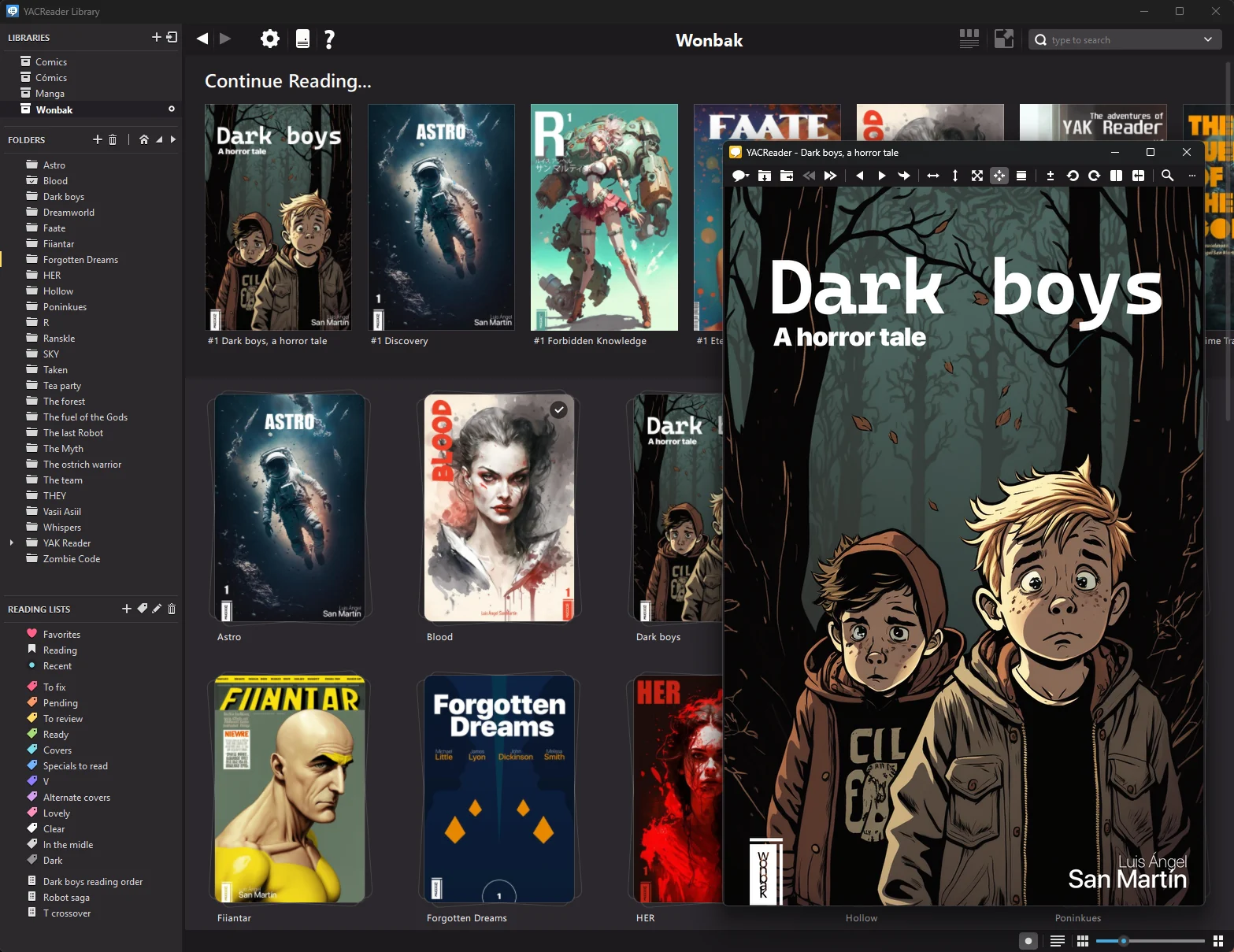
Know what to read next
The home view shows what you are reading, and every comic keeps its progress.
- Continue Reading and Recent lists, and a “new” mark on recently added content.
- Reading lists, color labels, favorites and ratings. Drag and drop to sort your lists.
- Grid, flow and table views, with folders and comics together and an information panel.
Find anything in seconds
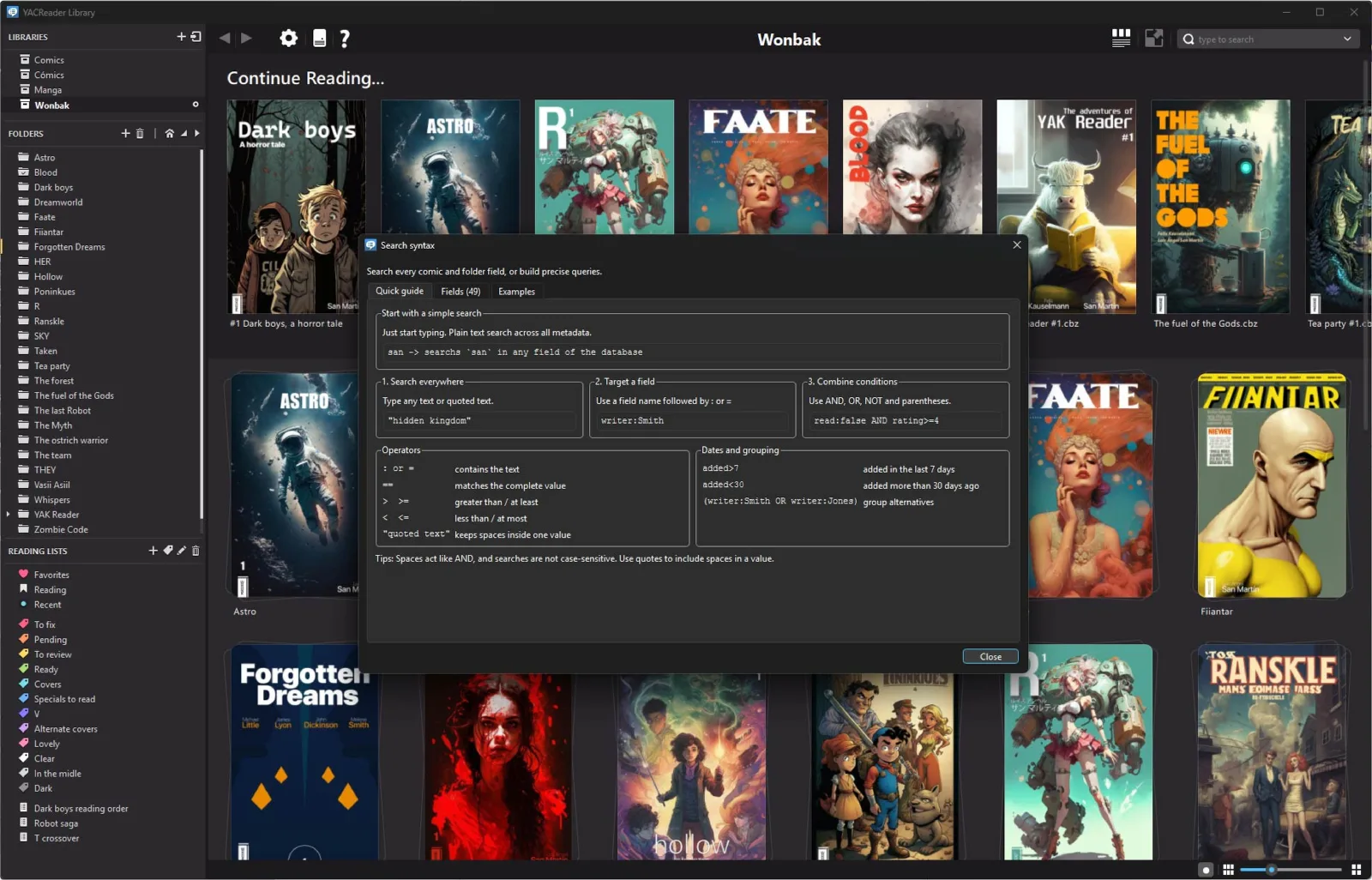
Type to search every field of every comic and folder, or write precise queries.
-
Search by field:
writer:Smith,read:false AND rating>=4. -
Search by date:
added>7finds what you added this week. - A built-in search guide and quick presets. The same syntax works in the iOS and Android remote browsers.
Metadata that works for you
Get titles, numbers, volumes, story arcs, authors and synopses, then use them.
- Comic Vine scraper with exact volume matching and ComicInfo.xml import and export.
- Custom covers for comics and folders: pick a page or drop an image.
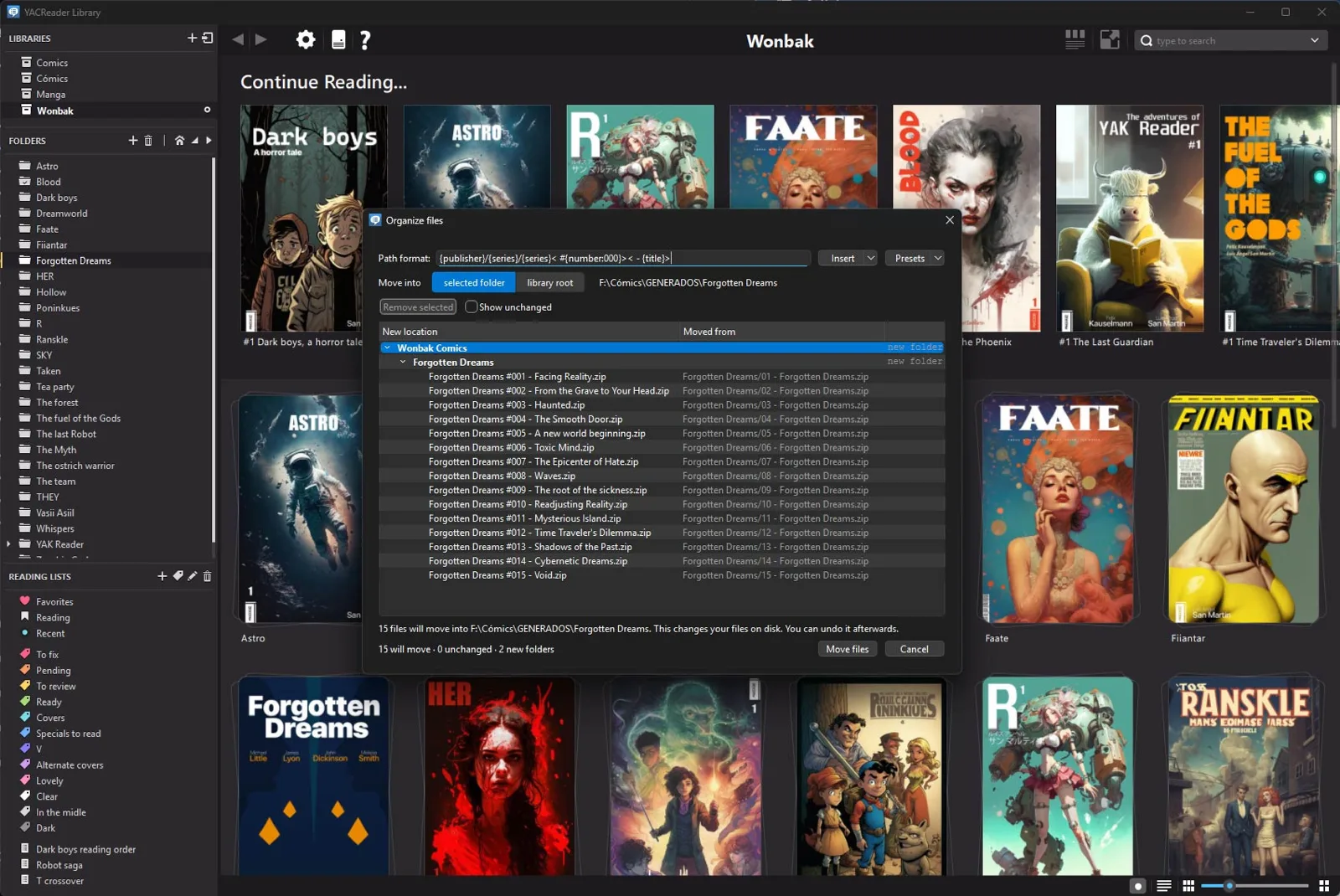
- Organize files: rename them and create folders from metadata, with a preview before anything moves.
Automatic updates
Choose when your libraries refresh automatically. New and changed comics appear without a manual rescan.
Backups and recovery
Automatic database backups, simple restoration, and repair tools for missing covers or files that failed to import.
Edit in bulk
Change shared metadata across multiple comics at once, or scan an entire folder for embedded ComicInfo.xml data.
Drag-and-drop organization
Add comics and folders, and arrange reading lists and nested sublists directly with drag and drop.
It remembers where you were
Move through your browsing history without losing the selected item, scroll position or active view.
Customize your library
Give comics and folders custom covers. Adjust cover sizes, Comic Flow, visible banners, table columns and more.
YACReader
A reader that stays out of your way
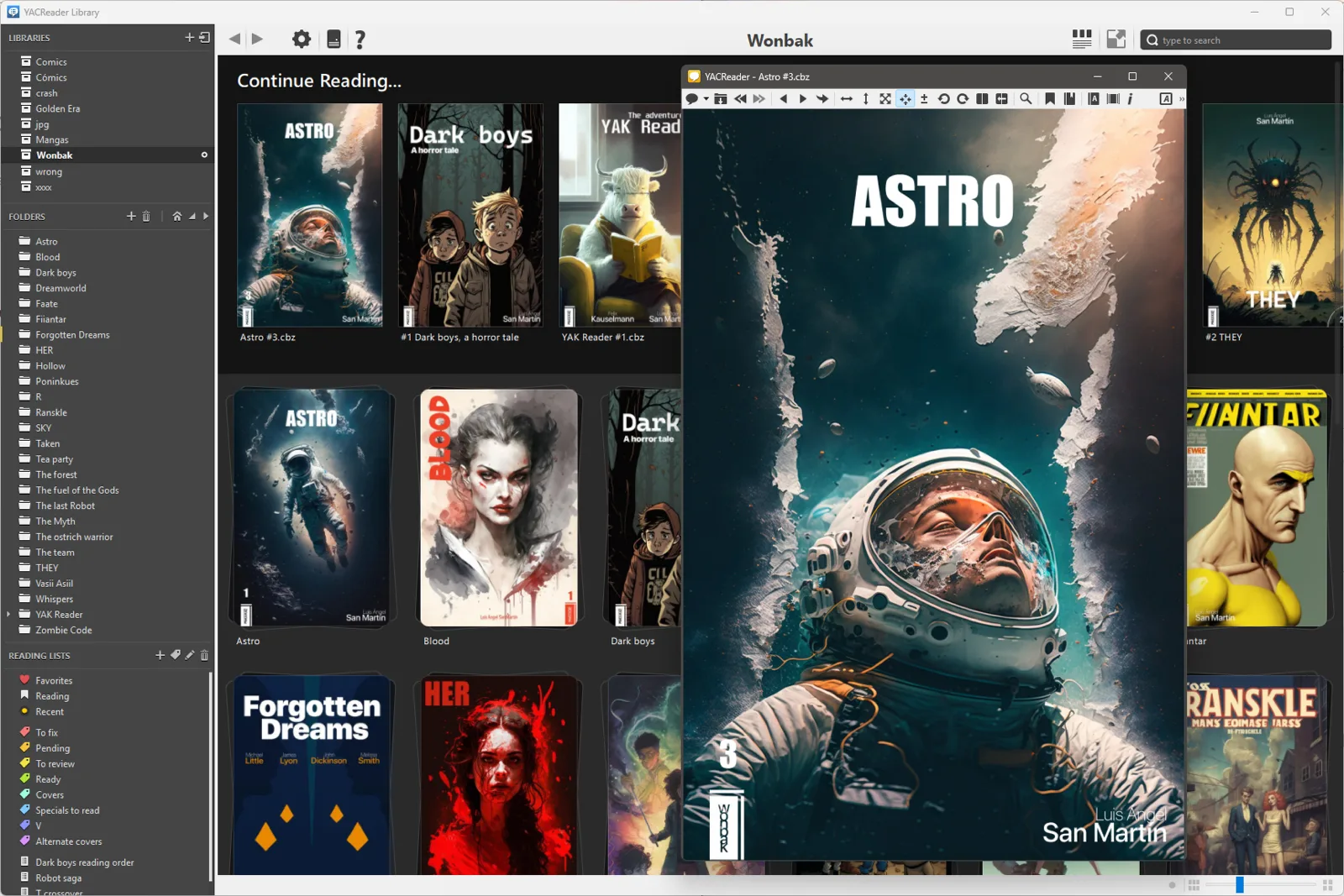
Fast, precise and configurable, for single issues, manga and webtoons.
Read the way you like
- Continuous scroll for webtoons, or page by page with double-page mode.
- Full manga mode: right-to-left pages and inverted controls.
- Your controls: custom shortcuts, mouse modes to turn pages, touchpad and pinch zoom.
- Bookmarks, go-to flow, and save or extract pages as images.
Look closer
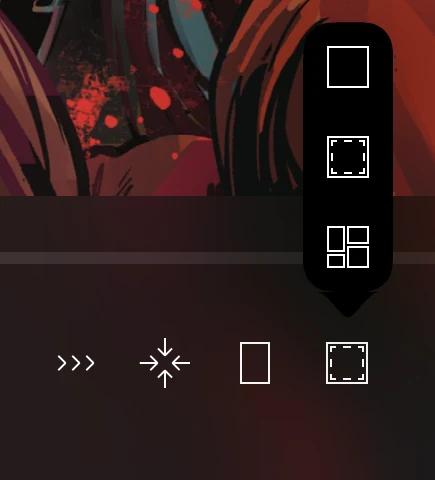
- Magnifying glass, round or rectangular, with edge easing to see the borders of the page.
- Image adjustments: brightness, contrast and gamma bring old scans to life.
- Lanczos scaling for sharp pages at any size.
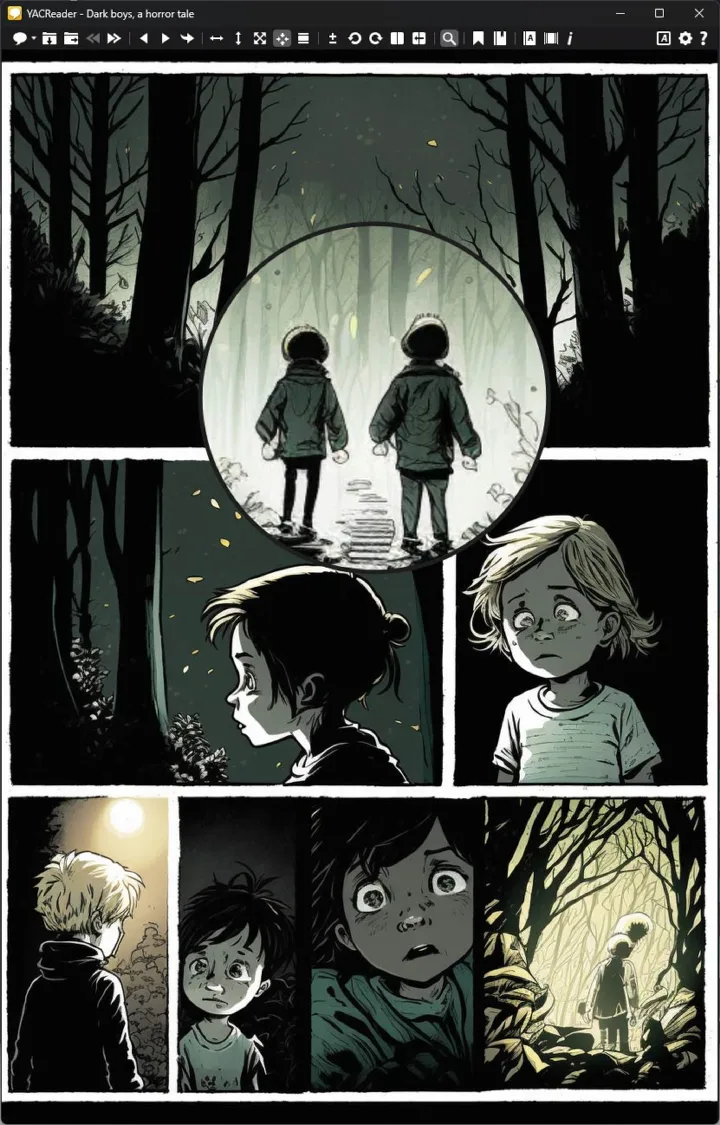
YACReader 10
Make it yours
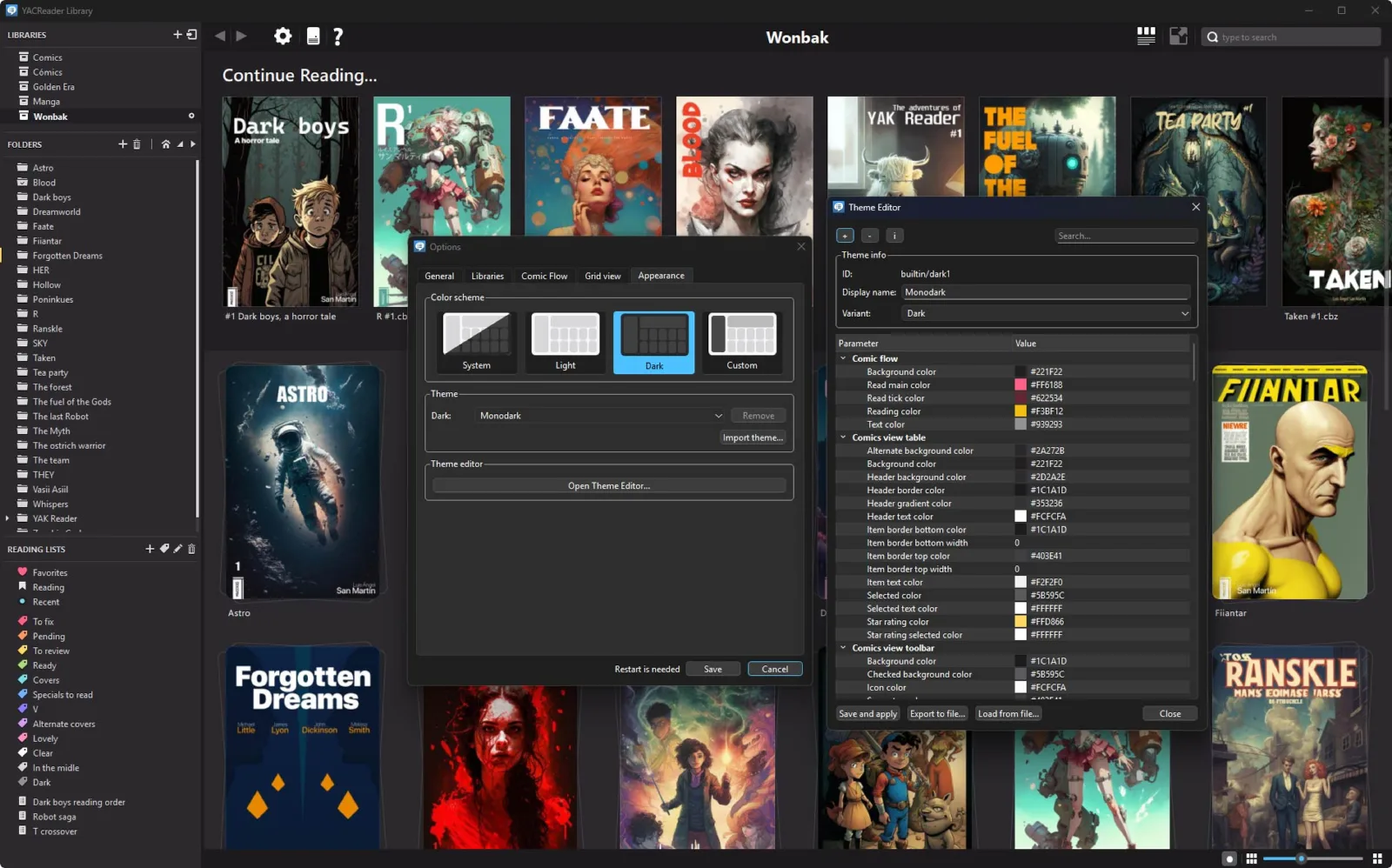
Light and dark themes that follow your system, 12 built-in themes, and a theme editor to create your own. Choose the language of the apps, too.
iPhone, iPad & Android
Take your comics with you
Connect to YACReaderLibrary on your network: browse and read without using space on your device, or import comics to read offline. Progress syncs both ways.
In both apps
- Connect with a QR code, then browse remote libraries, lists and search.
- Reading progress in sync with YACReaderLibrary and your other devices.
- Panel by panel reading and automatic margin trimming.
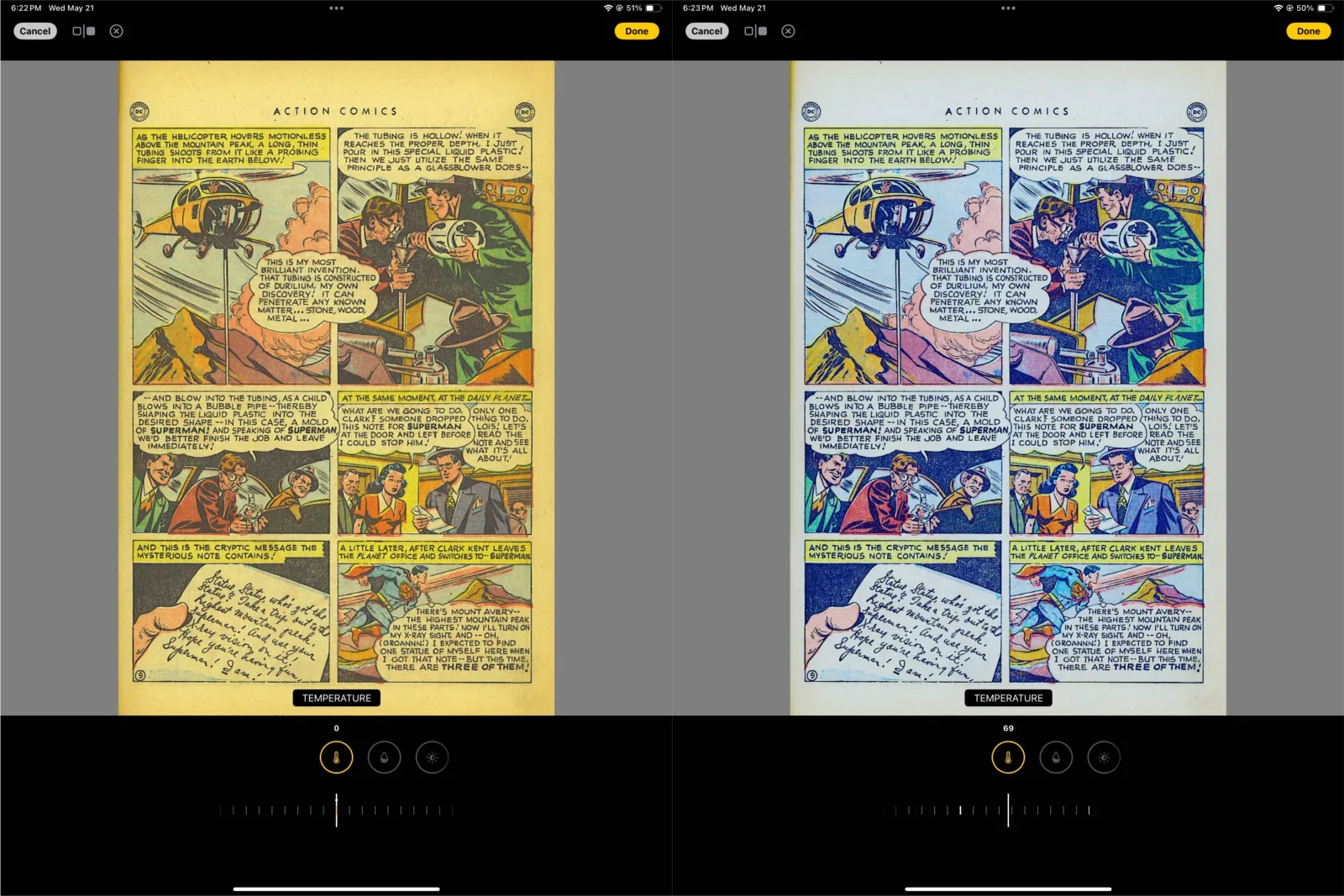
- Image filters with an automatic fix for old scans, synced between devices.
- Continuous scroll, manga mode, fit modes and light/dark themes.
YACReader for iOS
- Live Translation: translate a page on the device, offline and 100% private. It can match the colors of the speech bubbles (iOS 18+).
- Import from anywhere: the Files app, USB, Dropbox, Google Drive, OneDrive and Box.
- Parental control: lock folders with Face ID.
- iPhone and iPad, with split screen on iPad.

YACReader for Android
- Panel by panel with automatic panel detection and settings for its behavior.
- Layouts for phones and tablets.
- Recently added list and new-content marks in remote libraries.
- On Google Play and the Amazon Appstore.

YACReaderLibraryServer
Your library, always on
Run the library without a desktop on a NAS or a home server, with Docker or from the command line. The mobile apps connect to it like to YACReaderLibrary.
Web UI
Browse your libraries in a browser, search per library, continue reading, and read with the basic web reader.
Manage it remotely
Update libraries and change the metadata and auto-update settings from the Web UI.
Command line tools
Back up, restore and repair libraries, rescan XML metadata, and print system information.
Formats & platforms
Open almost anything
Comic files
CBR, CBZ, CB7, RAR (including RAR5), ZIP, 7Z, TAR and PDF. Image-based EPUB is experimental.
Images
JPEG, PNG, GIF, TIFF, BMP and folders of images. Add more formats with Qt image plugins.
Everywhere
Windows (x64 and ARM64, signed), macOS (Apple Silicon and Intel) and Linux (Flatpak): free and open source. Native apps for iOS and Android on the App Store, Google Play and the Amazon Appstore.