 YACReader
- Posts: 6
- Thank you received: 0
Did you find a bug? Splash it!
Fit image buttons don't work as intended.
- momoe
- Topic Author
- Offline
- New Member
-

Less
More
5 years 4 months ago #5998
by momoe
Fit image buttons don't work as intended. was created by momoe
There are a few issues with the fit image buttons. The shrink and enlarge buttons are backwards for their implied function
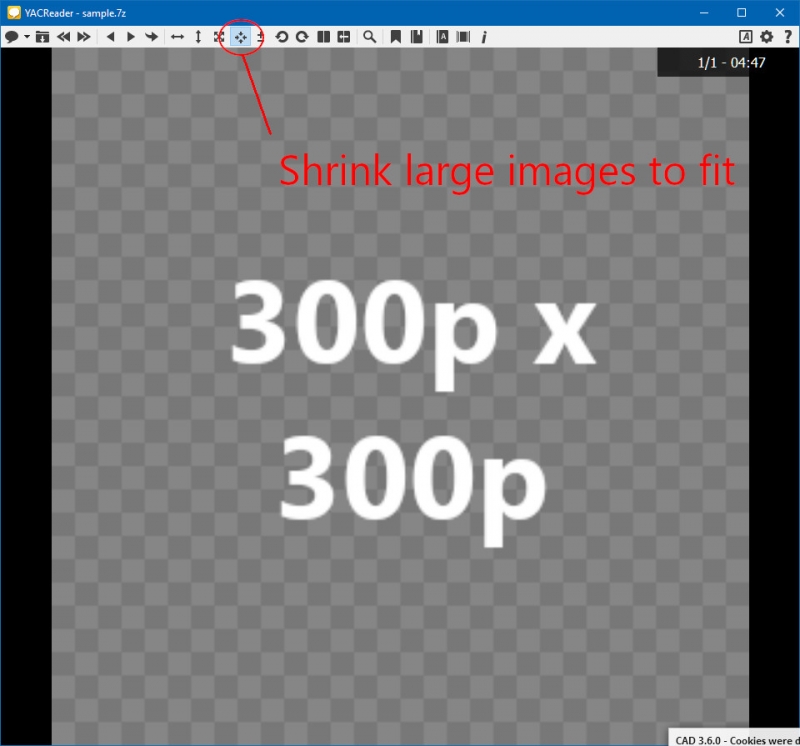
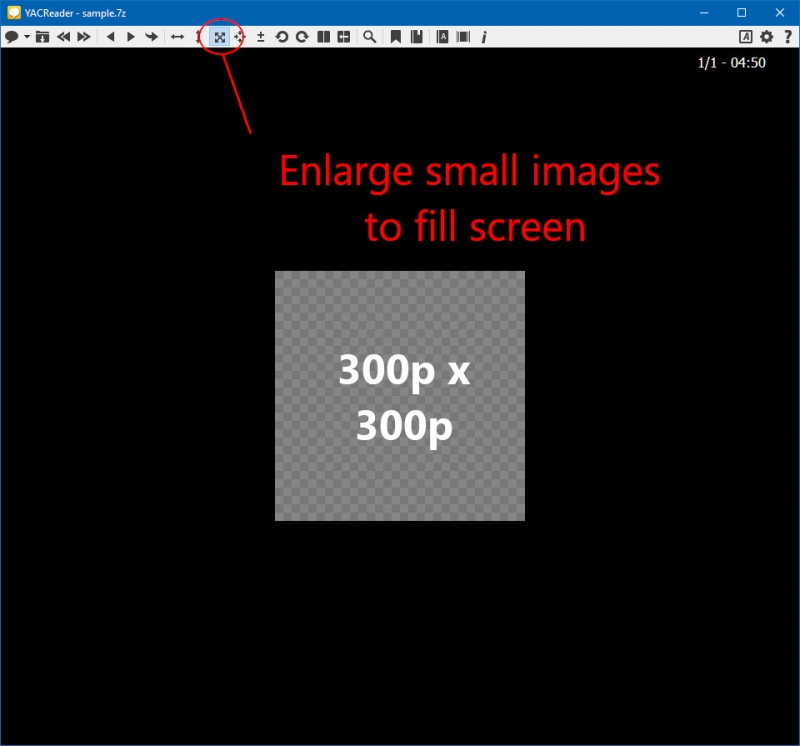
Furthermore the 'A' keyboard shortcut doesn't use these functions but instead switches between fit width/height buttons instead.
Please change this to the aforementioned resizing option after it's fixed.
Thank you
Furthermore the 'A' keyboard shortcut doesn't use these functions but instead switches between fit width/height buttons instead.
Please change this to the aforementioned resizing option after it's fixed.
Thank you
Please Log in or Create an account to join the conversation.
- selmf
- Offline
- Moderator
-

Less
More
- Posts: 639
- Thank you received: 136
5 years 4 months ago #5999
by selmf
My answers are not necessarily official YACReader statements but mostly represent my own opinion in technical matters.
Replied by selmf on topic Fit image buttons don't work as intended.
The function of these buttons is not "Shrink large images to fit" and "Enlarge small images to fill screen" but, from left to right, "Show full page at native resolution" and "Fit page to screen".
They work exactly as intended. The tooltips clearly state their function.
The "A" button also works as intended by switching between fit to width and fit to height, as it is clearly stated in the shortcut configuration.
They work exactly as intended. The tooltips clearly state their function.
The "A" button also works as intended by switching between fit to width and fit to height, as it is clearly stated in the shortcut configuration.
My answers are not necessarily official YACReader statements but mostly represent my own opinion in technical matters.
Please Log in or Create an account to join the conversation.
Moderators: Luis Ángel